Mobile and lone worker software for crews on the move or working alone
Automated check-ins, live location on one map and escalation the moment a check-in is missed, for people who work alone, on the road or out of coverage.
Request a demo
Trusted by Leading EHS Teams










> Why SafetyIQ
Duty of care for the people you can't see
Every minute a worker operates alone or off-site carries risk. SafetyIQ replaces call-in lists, whiteboards and memory with one system that knows who is out, where they are and what to do when something goes wrong.
01
Know who's out and where
See who is active, checked in or overdue across every region, on one live map with GPS, satellite and IVMS integration.
02
Stay connected beyond coverage
Satellite and GPS device integration keeps check-ins and locations coming from mines, rural sites and offshore. Offline check-ins sync once back in range.
03
Escalate without chasing
A missed check-in or SOS alerts designated contacts automatically, and escalation continues until someone responds and safety is confirmed.
> How a check-in works
From first check-in to safe return, nothing is left to memory
Whether someone is working alone on site, driving between jobs or working from home, SafetyIQ keeps the schedule and steps in automatically when a check-in doesn't come.
Schedule
Set check-in intervals tailored to each worker or team.
Check in
Workers check in or report an incident in one tap from their phone, even offline.
Monitor
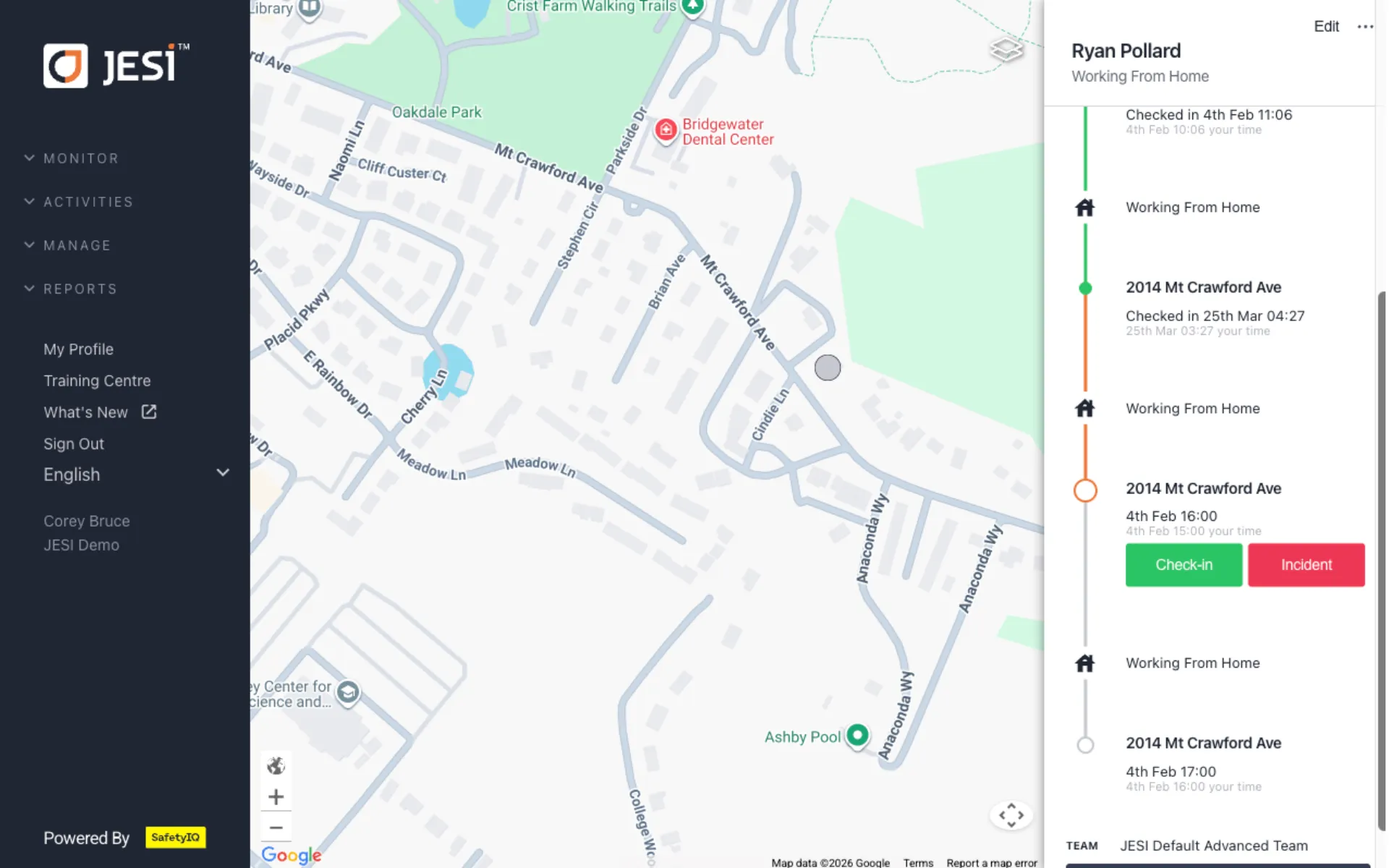
Supervisors see who is active, checked in or overdue on one dashboard.
Escalate
A missed check-in or SOS notifies designated contacts automatically, with last-known location.
Respond
Contacts claim the alert, so everyone knows who is handling it.
Safe
Escalation continues until safety is confirmed, and every action is logged.
> The mobile worker suite
More modules for people who work away from the rest of the team
Add journey management, fatigue testing and alertness checks to lone worker protection, from the road to the pre-shift check.
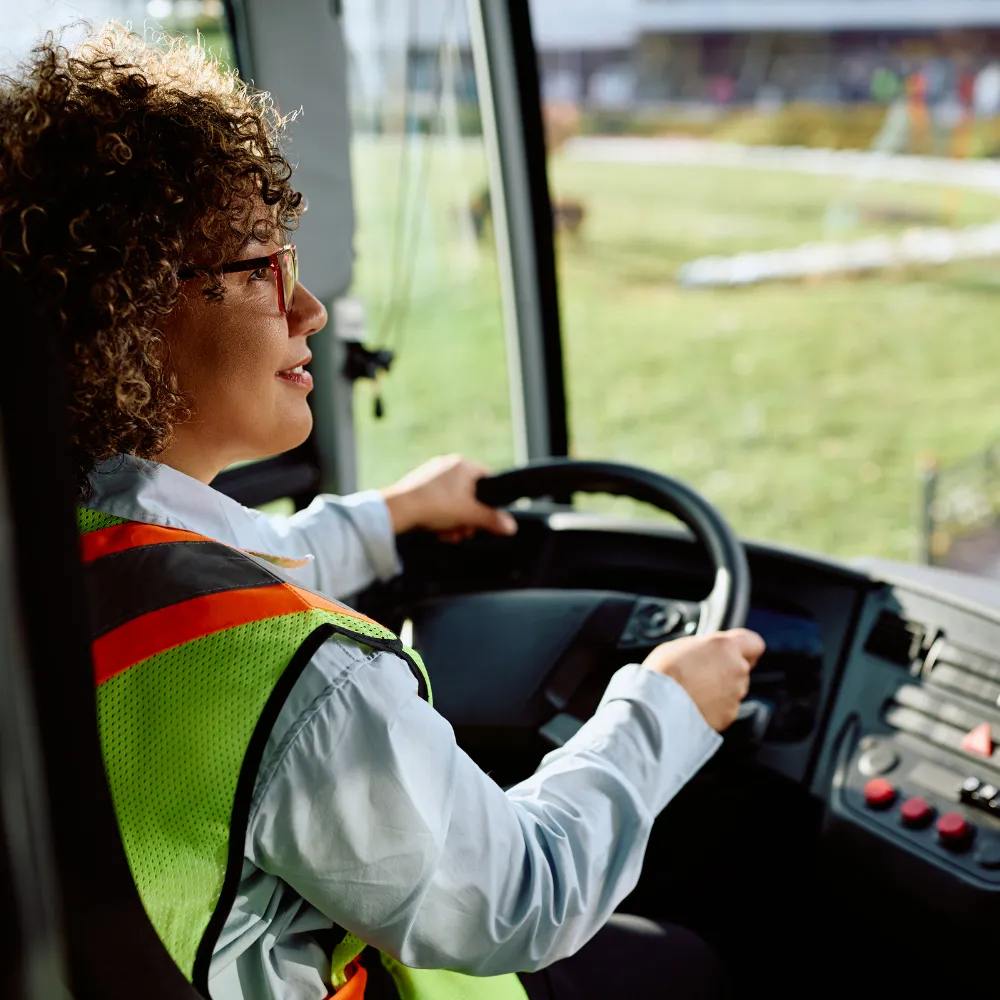
> On the road
Journey management
Risk-assess every trip, see it live on one map and escalate when a check-in is missed.
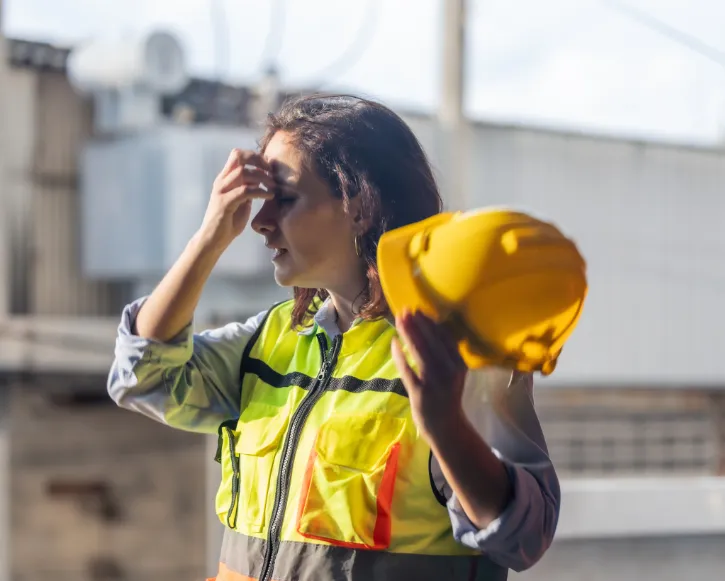
> Before the shift
Fatigue management
A science-backed impairment test in under two minutes on any phone.
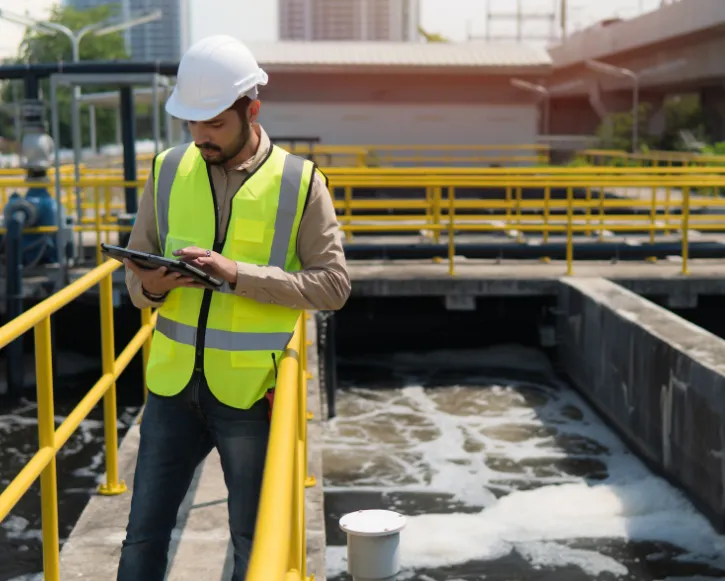
> Quick readiness checks
Alertness tracking
Measure worker readiness in seconds with engaging, game-based tests.
> How it works
Plan, monitor and respond, all in one place
From the pre-trip risk assessment to the supervisor who steps in, every part of mobile worker safety runs from one platform.
01 · Plan and monitor
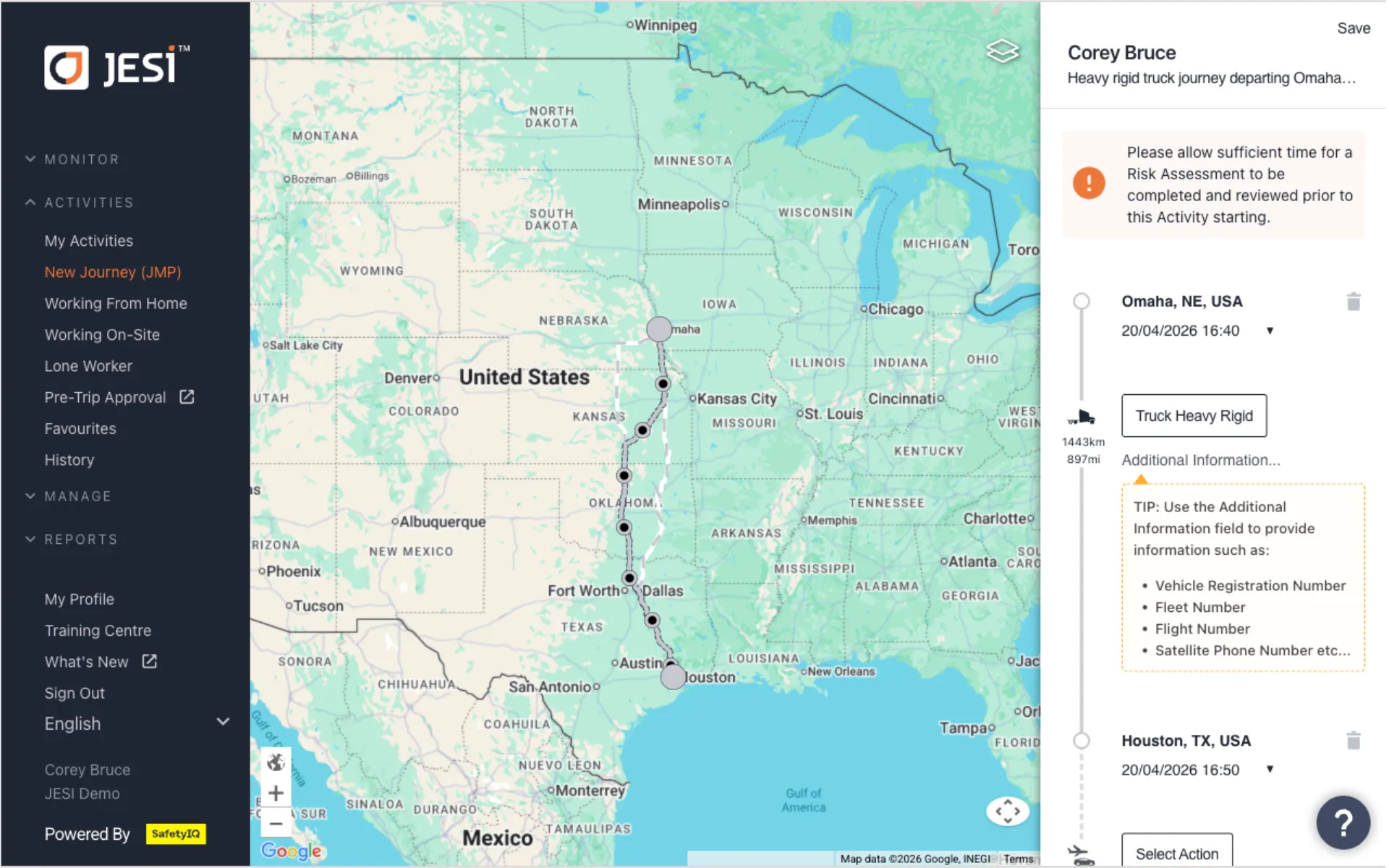
See every worker and journey on one live map
Monitor active journeys and lone workers with GPS, satellite and IVMS integration, and see statuses, routes and check-ins at a glance.
- ✓Travel risk assessments approve, review or deny trips before departure
- ✓IVMS alerts for harsh braking, rollovers and speeding
- ✓Custom locations for depots, sites and high-risk areas
02 · Respond
Escalate the moment a check-in is missed
When a check-in is missed or an SOS is triggered, SafetyIQ notifies the right people automatically, with the context they need to act.
- ✓One-tap check-in or incident reporting
- ✓Escalation contacts assigned by team
- ✓Logs of every check-in, alert and response for reporting

03 · Before the shift
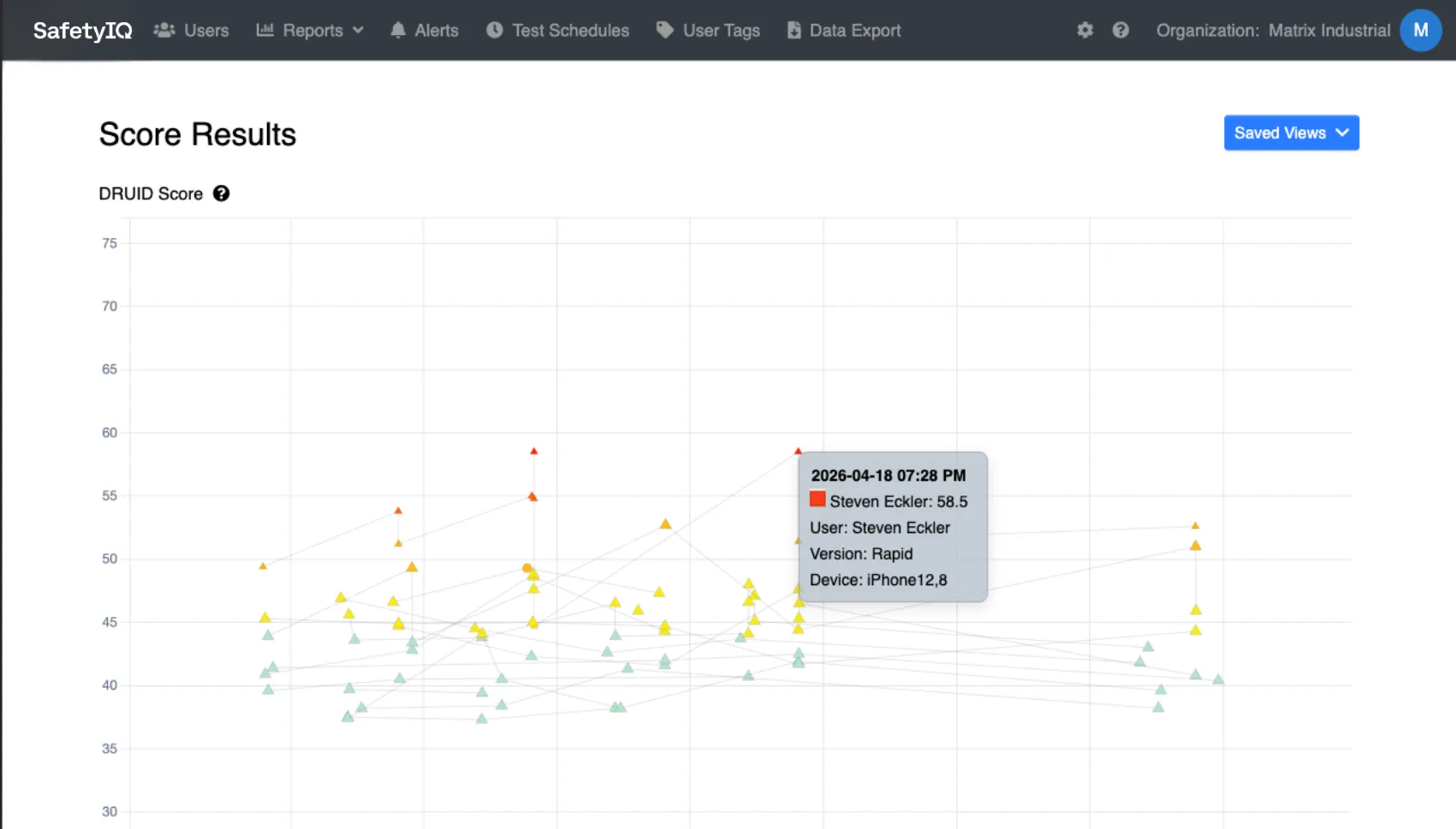
Catch fatigue before anyone starts work
A science-backed DRUID test measures impairment on any phone in under two minutes, compared with each worker's own baseline.
- ✓Recurring or one-off test schedules
- ✓Threshold alerts to supervisors by app or email
- ✓Score history and baseline deviation reporting
> Handheld GPS devices
Do you lose visibility of your workers in low connectivity?
SafetyIQ and GPS devices together provide complete visibility of your workers, no matter where they are. If a duress/SOS button is activated, or a Check-In is missed, an escalation process is triggered.
Check-In directly with a handheld GPS device
Accurate visibility in the event of an escalation
SOS buttons for immediate emergency response
> Integration brief
Get the handheld GPS devices integration flyer
A two-page overview of how SafetyIQ connects handheld GPS devices to journeys, check-ins and escalations.
Works with Garmin inReach and SPOT
> Proven in the field
Results our mobile worker customers have reported
From remote drilling crews to utilities and mining services, here is what changed after they replaced manual check-ins and call-in lists with SafetyIQ.
cost reduction straight away, by removing the need for a national call center
of manual journey management removed every month, saving nearly $9,000 a month
hours given back across 3,700 journeys
hours a month on manual monitoring, saving over $1,000 a month
Figures as reported by each customer in their published SafetyIQ case study.
> Customer story
a month on manual journey management
Downer, with 50,000 employees across 300 locations, moved journey management plans into SafetyIQ and integrated IVMS to track vehicle locations only during active journeys.
I couldn't be happier with the solution the team at SafetyIQ provided us with. The user interface looks clean and is easy to use, and the technical support from the SafetyIQ team has felt like a partnership from day one.
> The difference
What changes when check-ins stop depending on memory
Most mobile worker programs start with call-in lists and good intentions. Here is what that looks like with and without SafetyIQ.
Customer Reviews of SafetyIQ
Real EHS teams improving their safety cultures with SafetyIQ. Discover how safety, risk and compliance leaders are using our platform to unify their programs, build proactive safety engagement, and drive measurable cultural change across their organizations.

> Not ready for a demo?
Learn from three real mobile worker incidents
A whitepaper on the safety gaps behind three recent mobile worker incidents, and how EHS software can close them.
> FAQ
Mobile and lone worker safety FAQs
What is lone worker safety?
Lone worker safety refers to the systems and procedures that protect employees who work alone or in remote areas without direct supervision. These workers face unique risks due to isolation, limited communication, and delayed emergency response times. SafetyIQ ensures these individuals remain connected, visible, and protected at all times through automated check-ins and real-time alerts.
How does SafetyIQ protect lone and mobile workers?
SafetyIQ uses a mobile-first platform that keeps remote workers in touch with their teams. Through scheduled check-ins, GPS visibility, and automated escalation workflows, the system instantly alerts supervisors if a worker misses a check-in or reports distress—allowing for immediate action when it matters most.
What industries benefit from lone worker protection?
Any industry with employees working in the field, off-site, or outside standard supervision can benefit. That includes logistics, oil and gas, utilities, construction, mining, healthcare, and maintenance. From technicians to drivers, SafetyIQ keeps every worker visible and supported, no matter the location or shift.
How does a lone worker solution improve safety culture?
When workers know their safety is actively being managed, trust grows—and so does engagement. SafetyIQ helps organizations build a culture where people feel valued and protected. It shows that safety isn’t just a policy—it’s a promise.
Keep every worker in reach, wherever the job takes them
See how SafetyIQ's check-ins, live map and automatic escalation fit your crews, in a demo built around how your people work.
Request a demoGet a demo built around your sites, your teams, and the way your people work.
EHS, journey, and fatigue management software for field-heavy teams.

.png)

.png)